Restore old photos.

Unggah foto JPG, PNG, atau WebP untuk mengurangi goresan dan pemudaran, lalu bandingkan hasilnya dengan foto asli.

A visual starting point

Examples for restoring old photos

Synthetic concepts, not product results. Upload your own image to restore old photos.

Illustrative vintage portrait photographs for an old photo restoration conceptBeforeAfter · concept

Illustrative example

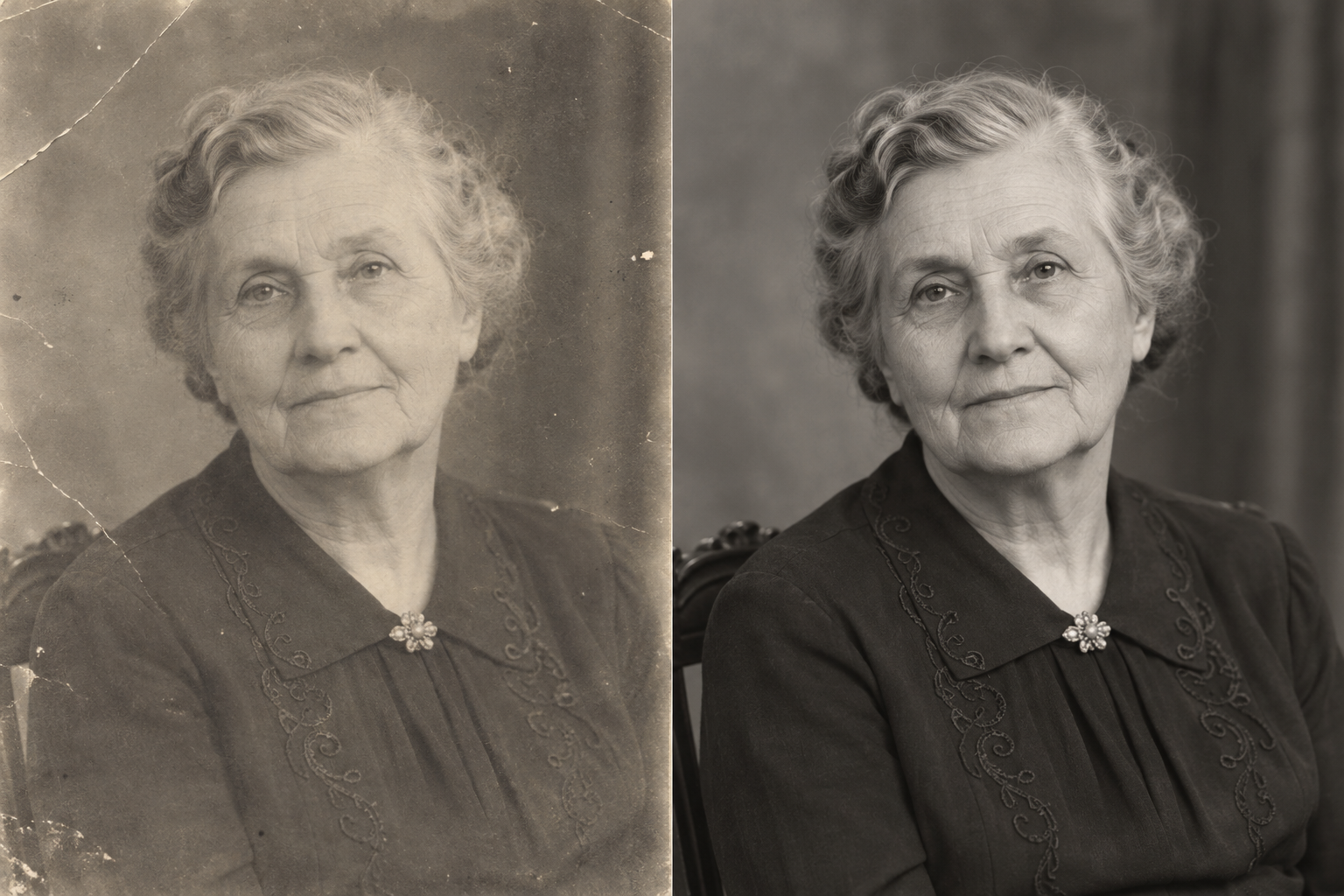
A studio portrait

Fading and soft focus can complicate efforts to restore old photos while keeping a familiar expression.
Illustrative vintage portrait photographs for an old photo restoration conceptBeforeAfter · concept

Illustrative example

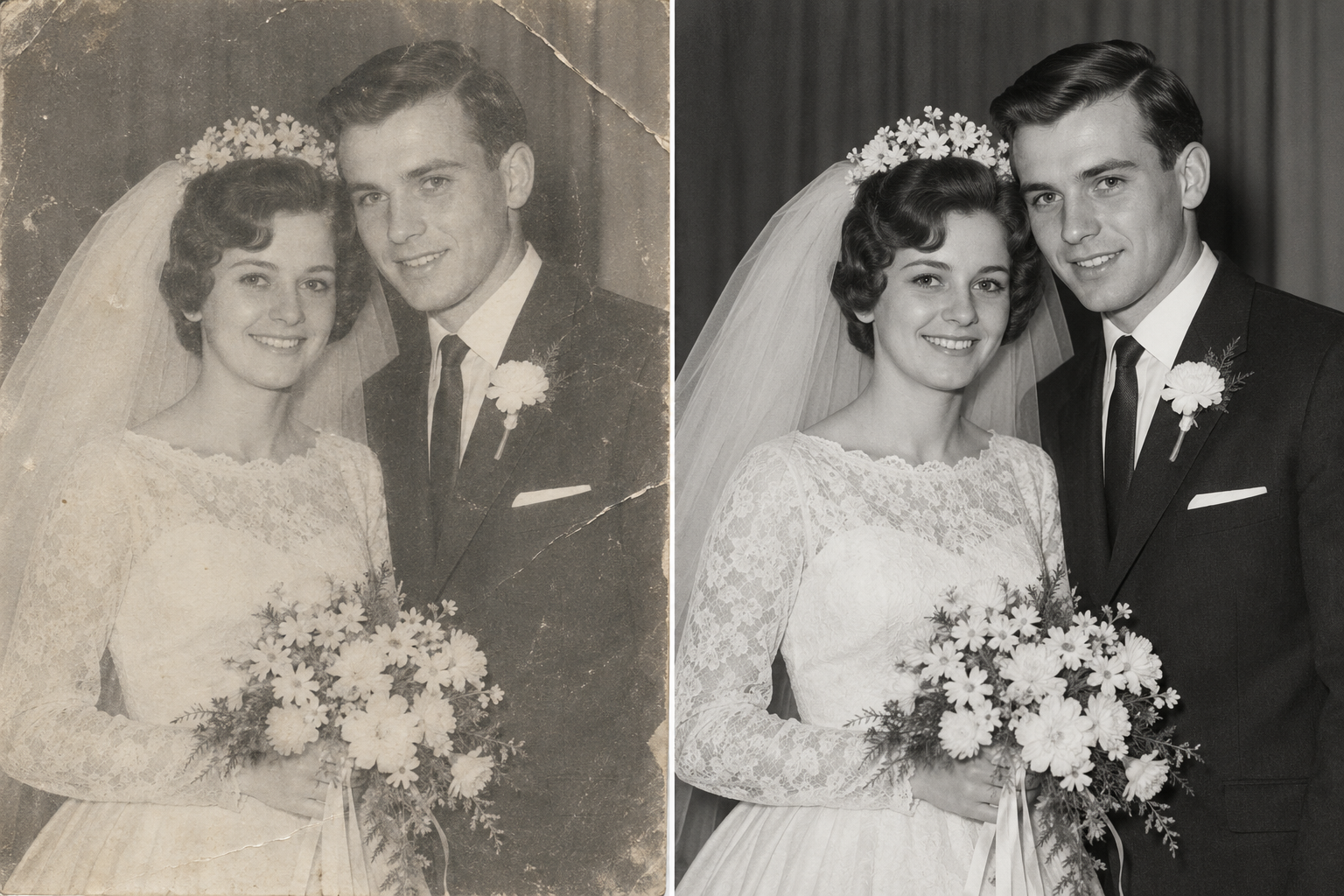
A family snapshot

Small prints may show fold lines, dust, and uneven exposure. Repair should not change who was there.
Illustrative vintage portrait photographs for an old photo restoration conceptBeforeAfter · concept

Illustrative example

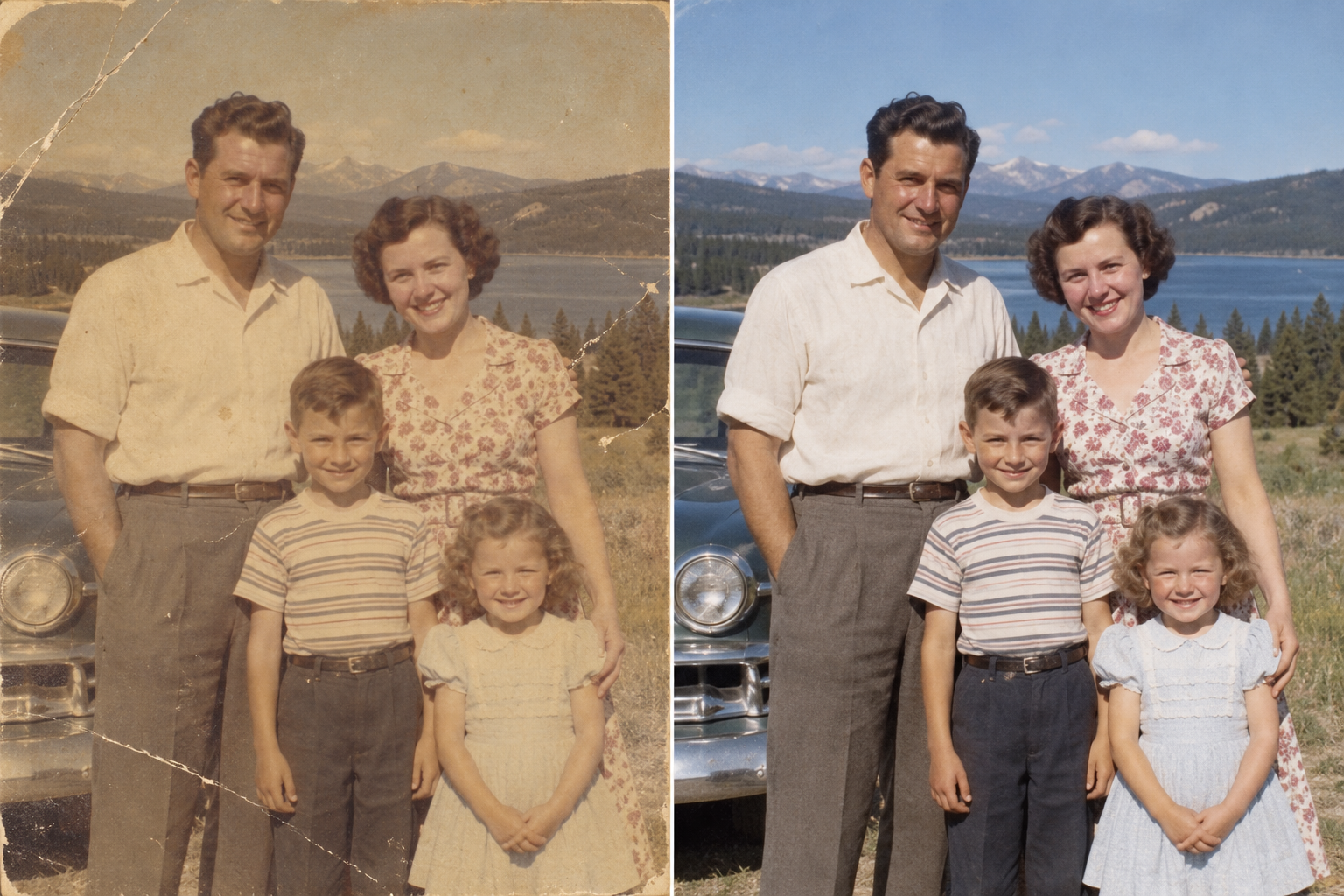
An archival print

When restoring old photos, treat color as an optional interpretation, not a historical record.

Synthetic concepts, not customer photos or live tool results.

A thoughtful way to restore old photos

Restore old photos. Keep the memory.

A good approach to restore old photos preserves the memory without inventing lost detail.

✳

Wear and damage

Restore old photos by reducing scratches, creases, and surface marks.

◒

Faded tones

Restore old photos by correcting faded contrast and color.

⌕

Portrait detail

To restore old photos well, improve detail without changing familiar faces.

◉

Black and white

Restore old photos with color only as an interpretation, never a historical record.

AI estimates missing detail. Results vary with image quality and damage.

Before you begin

Start with the clearest source you have.

Before you restore old photos, choose the sharpest scan, include the full print, and compare copies. The clearest source preserves details software cannot recreate.

Keep the print flat

Flatten curled corners gently; avoid pressing brittle paper or lifting loose emulsion. Take care when you restore old photos.

Use soft, even light

Avoid flash and reflections. Soft window light helps phone captures without glare.

Include every edge

Frame the full print and hold the camera parallel to avoid cropping or perspective distortion.

Save an untouched copy

Keep an untouched scan. When you restore old photos, compare every change against it.

A simple process

How to restore old photos in three small steps.

A clear path from upload to restored image.

Add your photo

Choose a scan or photo. To restore old photos, upload a clear JPG, PNG, or WebP.

Review the restoration

We restore old photos with an AI model, then show the result beside the original.

Save what feels right

Compare your restoration and download it. Your original stays unchanged.

Care and clarity

Old photos deserve an honest touch.

AI can repair a photograph, but may interpret details. Keep the original as your reference.

Privacy comes first

Your photo is uploaded to tmp.opr.run and processed by OpenAPI. We store the result in a private R2 bucket for your account.

Faces matter most

Always compare faces carefully. Restored details can be estimates, especially in damaged areas.

No promise of perfect recovery

Missing image information cannot be recovered with certainty. Heavily damaged photographs may need manual work.

Good to know

A few thoughtful answers.

Can AI restore old photos perfectly?

When you restore old photos, no tool can recover absent detail with certainty. Results depend on scan quality and damage.

Will faces look exactly the same?

AI may alter small features. When you restore old photos, compare faces and keep the source.

Are colorized photos historically accurate?

When you restore old photos with AI, color is an interpretation, not a factual record of the scene.

What happens to my uploaded photo?

To restore old photos, the image is uploaded to tmp.opr.run and its temporary URL is sent to OpenAPI. We do not save the original in our storage; the result is kept in private storage and served to your account.

Should I scan a print or photograph it with my phone?

A flatbed scan preserves detail. Phone photos work with even light, sharp focus, and a straight angle. Keep the source.

Can I restore old photos from a phone picture?

A clear phone capture can help restore old photos. Avoid glare, shadows, blur, and angled shots; print and camera quality both matter.

Can AI repair tears or missing corners?

AI can estimate missing areas, not verify them. When you restore old photos with tears or gaps, compare carefully and keep the original.

Will the original image be changed?

We restore old photos into a separate result. The original on your device is never overwritten.

Is there a tool to restore old photos yet?

Yes. Sign in to restore old photos; each restoration uses 4 credits. Gallery images are synthetic samples.

Will AI colorize a black-and-white photo?

The model may add natural-looking color while restoring old photos. Added color is an AI interpretation, not a historical record.

How should I review faces after restoration?

When you restore old photos, compare eyes, mouths, hairlines, and expressions against the source. AI can invent small features when the print is damaged, blurred, or very small.

How can I protect my original scans?

Save an untouched copy elsewhere before editing. Label the date or family name, and keep edited versions separate so relatives can identify the source.
Back to the photo preview