Subtle, plausible tones
Estimated colors add warmth and depth without claiming to know the exact original palette.
照片上色
Bring a new perspective to black-and-white portraits, family photographs, and familiar scenes with an AI color interpretation.
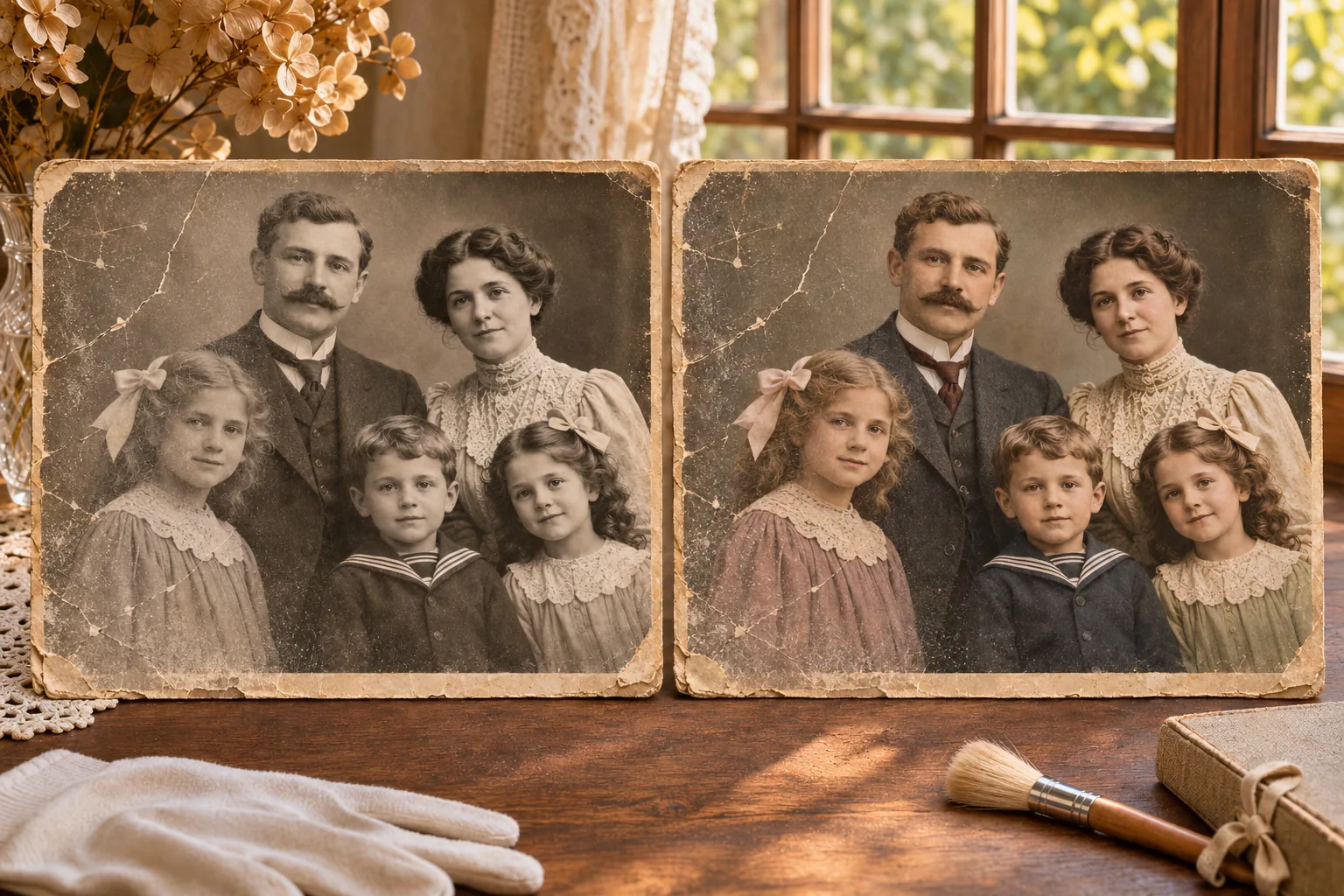 Black & whiteColorized concept
Try the image colorizer
Upload one JPG, PNG, or WebP image up to 4 MB. AI adds an estimated color interpretation; it does not repair damage.
A different way to look back
AI estimates plausible colors from the details in a grayscale image. The result keeps the original composition, while making clear that the colors are an interpretation.
Estimated colors add warmth and depth without claiming to know the exact original palette.
Explore color in family portraits, individual photographs, and places captured in the past.
Compare the colorized interpretation with the monochrome original and keep an untouched scan.
Two tools, different goals
Both can be useful for old photographs, but they address different things. Choose based on what you want to change.
Adds estimated color to a black-and-white image. It focuses on color, not on removing scratches or tears.
Addresses visible deterioration such as fading, dust, and damage. Restoration may not add color.
A simple process
Start with a clear source, let AI estimate a palette, then review the result beside the original.
Use the sharpest scan you have, with the full subject and important details visible.
AI estimates color from image content such as faces, clothing, objects, and the surrounding scene.
Check the people and details, keep the untouched source, and treat uncertain colors as suggestions.
Visual examples
These illustrative comparisons show how color can change the feel of portraits, family photos, and familiar places.
Black & whiteColorized conceptIllustrative example
Soft color brings another perspective to a formal family photograph while keeping its original composition.
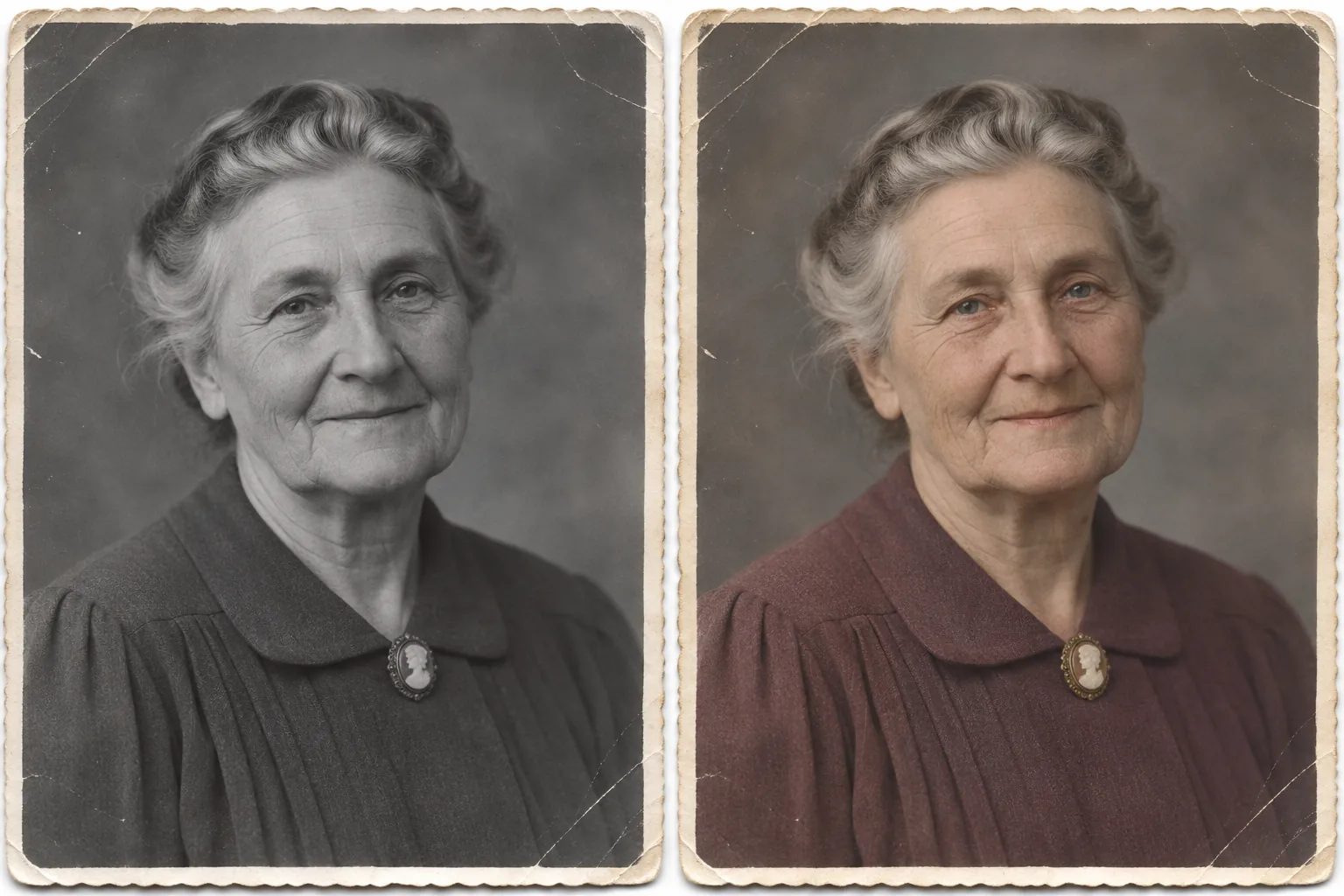 Black & whiteColorized concept
Illustrative example
A restrained palette can add warmth to a monochrome portrait without changing the pose.
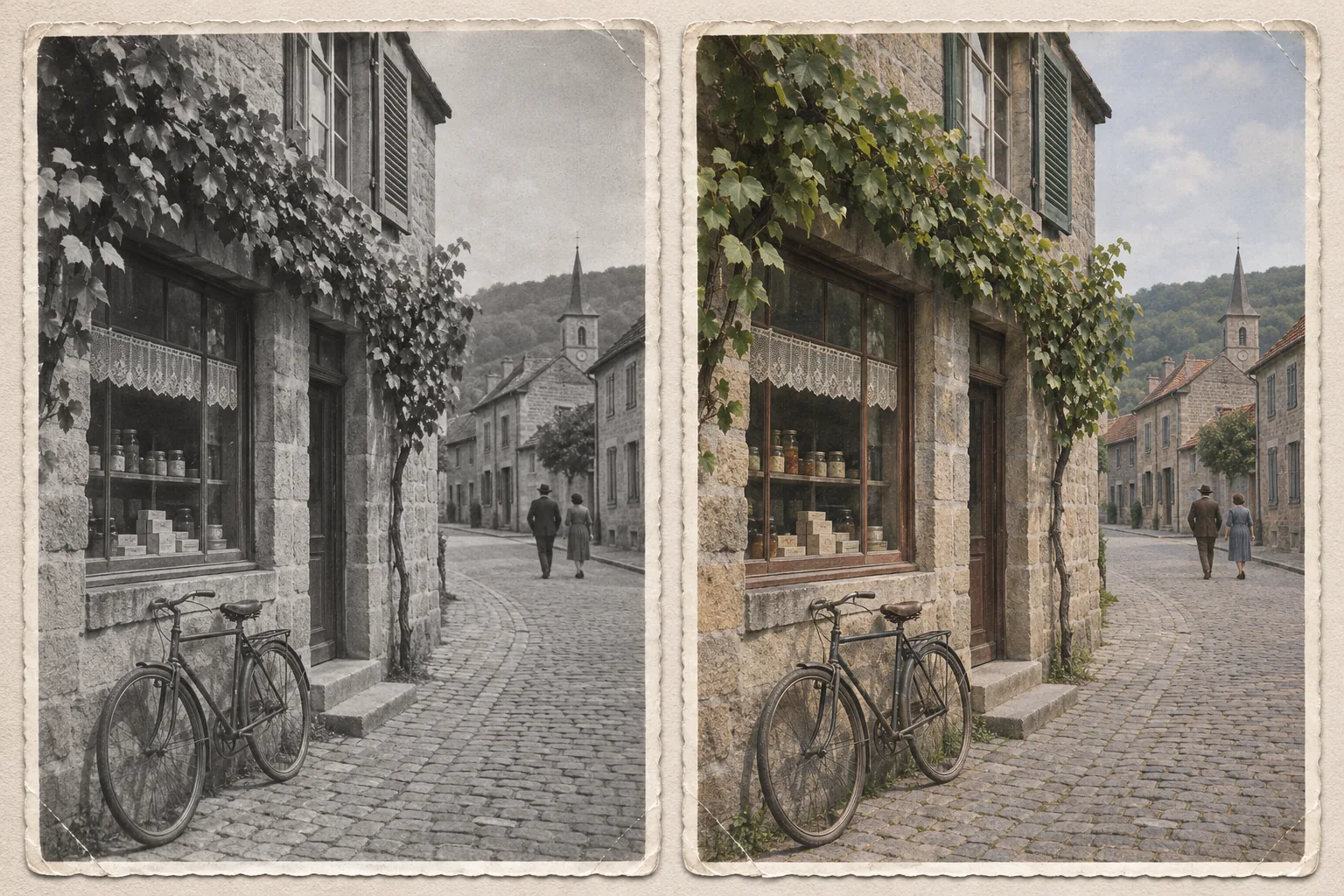 Black & whiteColorized concept
Illustrative example
Color estimates extend beyond faces to buildings, foliage, and everyday scenes.
Generated illustrations for explanation only. They are not customer photos or results from the live product.
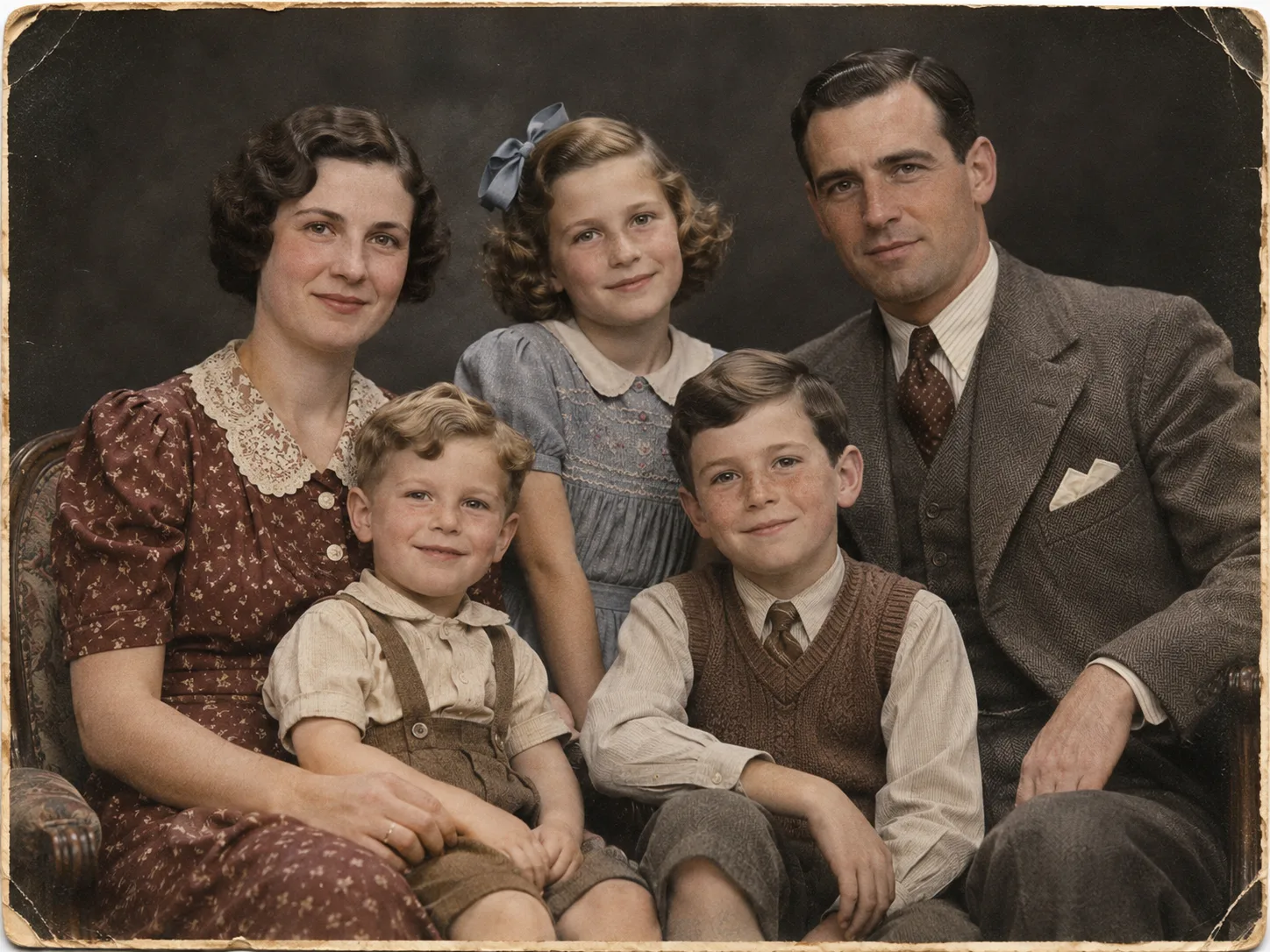
An image colorizer adds an estimated palette to a black-and-white photograph, offering a fresh way to view family portraits, vintage snapshots, and familiar places. It uses visible details such as faces, clothing, objects, and scenery to suggest colors that fit the image. The result is an interpretation, not a record of the exact colors originally captured. Keep the untouched photo as your reference and enjoy the color version as another perspective on the past.
Color can make expressions, clothing, and backgrounds feel more immediate. Try it with a family photo or an old street scene, then compare both versions.
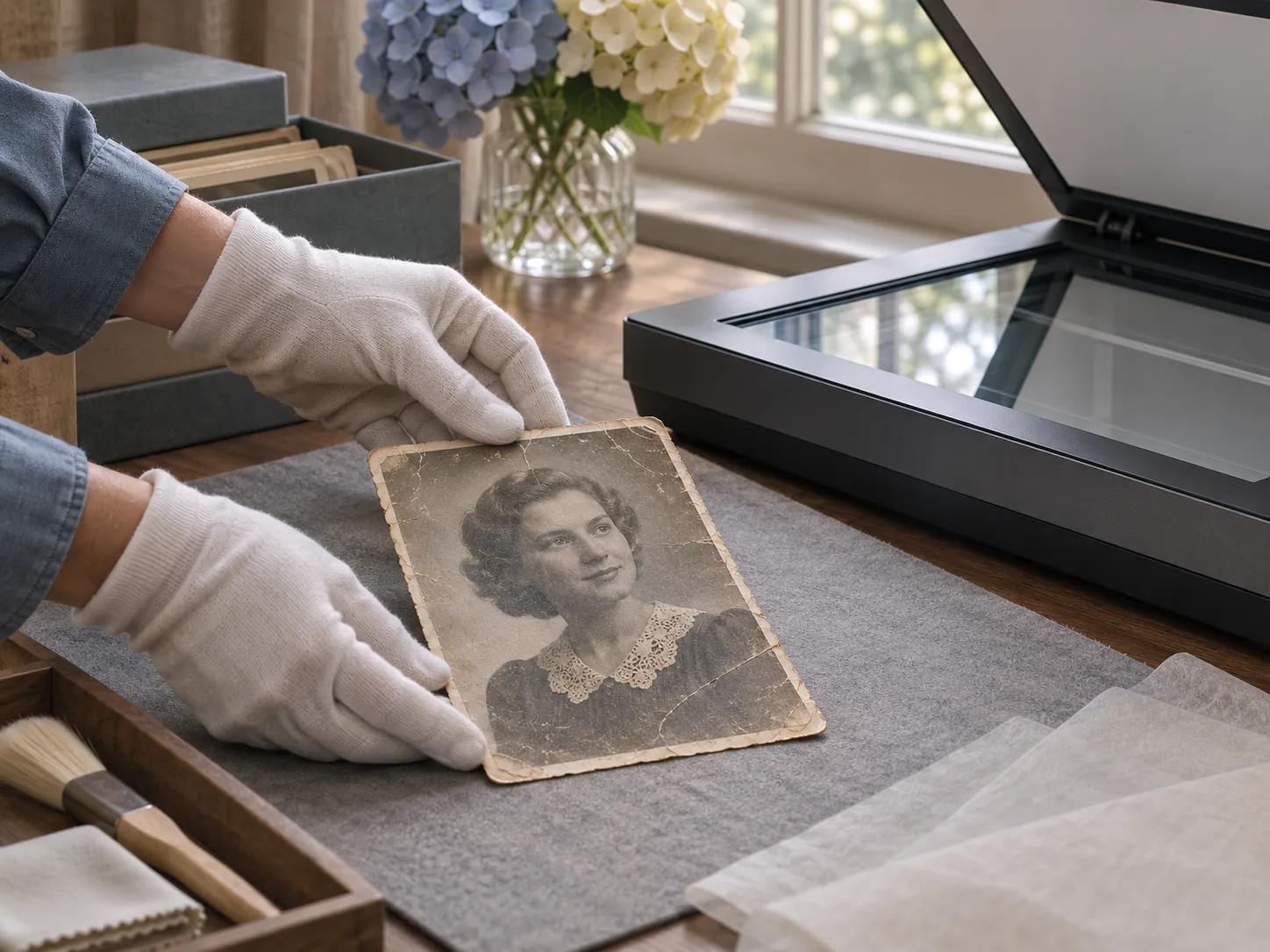
For a useful result, start with the sharpest scan available. Make sure faces and important objects are visible, and avoid glare, deep shadows, or heavy compression. A high-resolution scan can provide more detail for an image colorizer to interpret.
After colorization, review faces, clothing edges, and meaningful details. AI estimates plausible tones; it cannot know whether a particular coat was blue or brown. Compare the result with the black-and-white source and use family records or other references when historical accuracy matters.
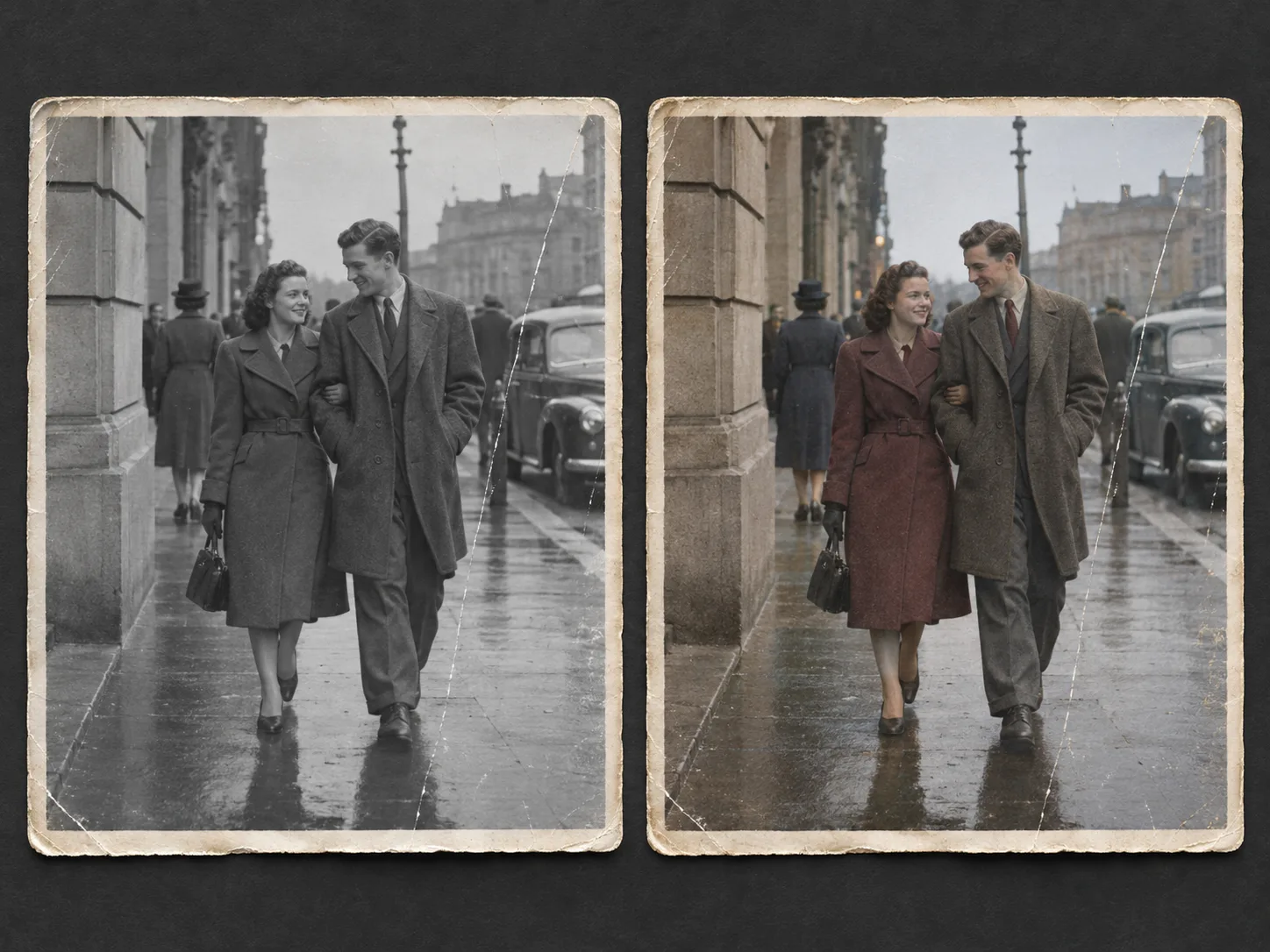
Photo colorization adds estimated hues to a monochrome image. Photo restoration addresses damage such as scratches, dust, fading, creases, or missing areas. An image colorizer may leave damage in place, while restoration may preserve a photo in black and white. Choose the process according to what you want to change, and keep edited versions separate from your original scan.
For family or local history projects, label AI-treated images clearly so viewers can distinguish interpretations from the source and documented evidence.
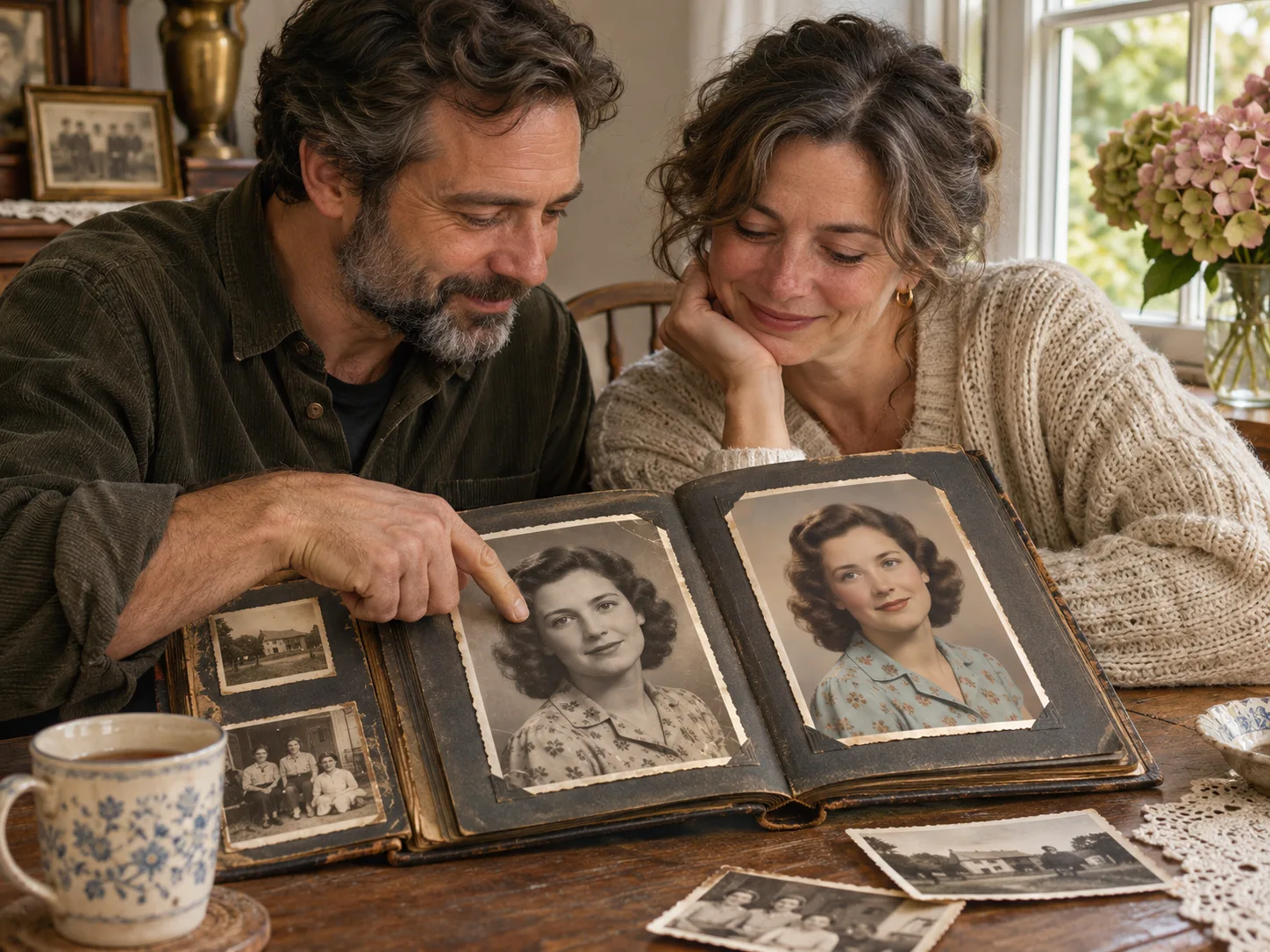
A colorized photograph can offer a compelling way to revisit people and places, but it cannot restore every missing detail or establish the past with certainty. Keep the monochrome scan, review the color version carefully, and let viewers know when colors were estimated. An image colorizer works best as a creative aid: it gives you another view while leaving the original available for comparison.
Choose meaningful images and preserve a clean source copy. A thoughtful result offers a fresh view while respecting the photograph.
Common questions
Keep the original close
Compare the examples and remember that each added color is an estimate. Your original monochrome photograph remains the reference.